The Cal AI alternative that tracks more than calories
By Piyush Kadam ·
Looking for a Cal AI alternative? Here's how tracck compares — same AI photo scanning, plus habits and tasks in the same app, with a free tier.
- Cal AI is good at one job — photo calorie logging — and if that's all you track, it's a fine choice.
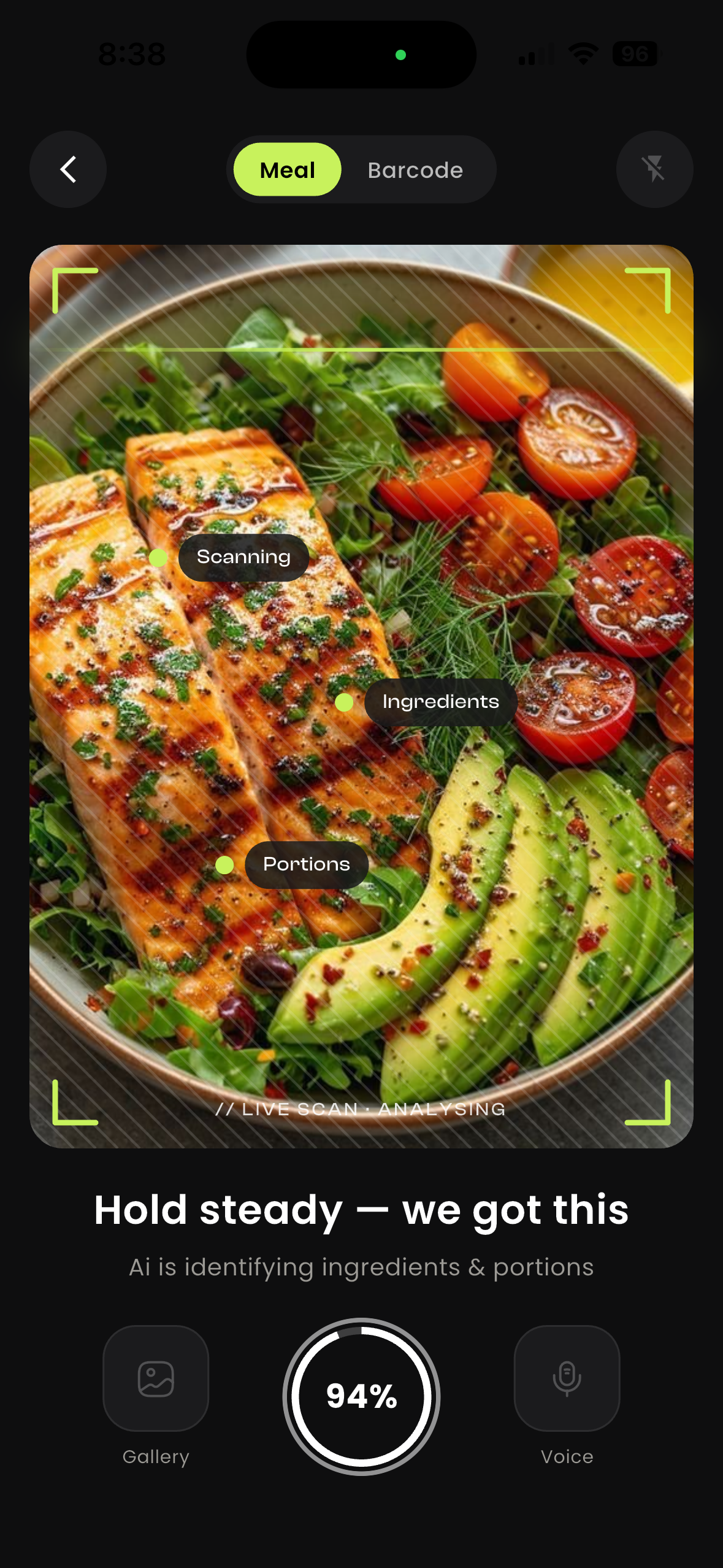
- tracck does the same AI photo and voice logging, but keeps habits and tasks in the same Today view.
- tracck is modular: switch off the trackers you don't want instead of living with an all-in-one you didn't ask for.
- tracck is free to download with your first 3 AI actions included; Cal AI is subscription-based.
Cal AI deserves credit for one thing above all: it made photo-based calorie logging feel normal. Before apps like it, tracking a meal meant searching a database, arguing with yourself about whether 100g was closer to 140g, and quitting by week two. Point a camera at the plate, get calories and macros back — that shift is why AI calorie counters took over the category.
It also does exactly one thing. If calories are the only part of your day you track, that's a feature. If you're also trying to keep a workout streak alive or actually finish what you planned this morning, you're back to a phone full of apps that don't talk to each other. That's the gap this comparison is about.
What Cal AI does well
Being fair about the competition: Cal AI is a good app and it's popular for real reasons.
- Fast photo scanning. Snap, wait a second or two, get calories plus a protein/carb/fat split. The core loop is quick and it works.
- A polished, focused product. Onboarding is short, the interface is clean, and nothing on screen distracts from logging food.
- A big user base. More people using a food scanner means more edge cases found and fixed, and a lot of reviews to read before you commit.
If you want a dedicated calorie counter and nothing else — no habits, no planning, no extra tabs — a focused app like Cal AI will serve you well, and this post isn't going to pretend otherwise.
Update: Cal AI isn't independent anymore
In March 2026, MyFitnessPal announced it had acquired Cal AI — a deal that had actually closed back in December 2025. Cal AI, built by two teenage founders and grown past 15 million downloads and roughly $30 million in annual revenue in under two years, now runs on MyFitnessPal's own food database. MyFitnessPal says Cal AI will keep operating as a standalone app for now.
That's not automatically bad news if you're already a Cal AI user. But it's worth knowing before you pick it as your calorie tracker: pricing, data handling and the product roadmap are now MyFitnessPal's calls to make, not the small team that built it. If part of the appeal was a scrappy, independent alternative to the big nutrition incumbents, that pitch has quietly changed.
Where tracck differs
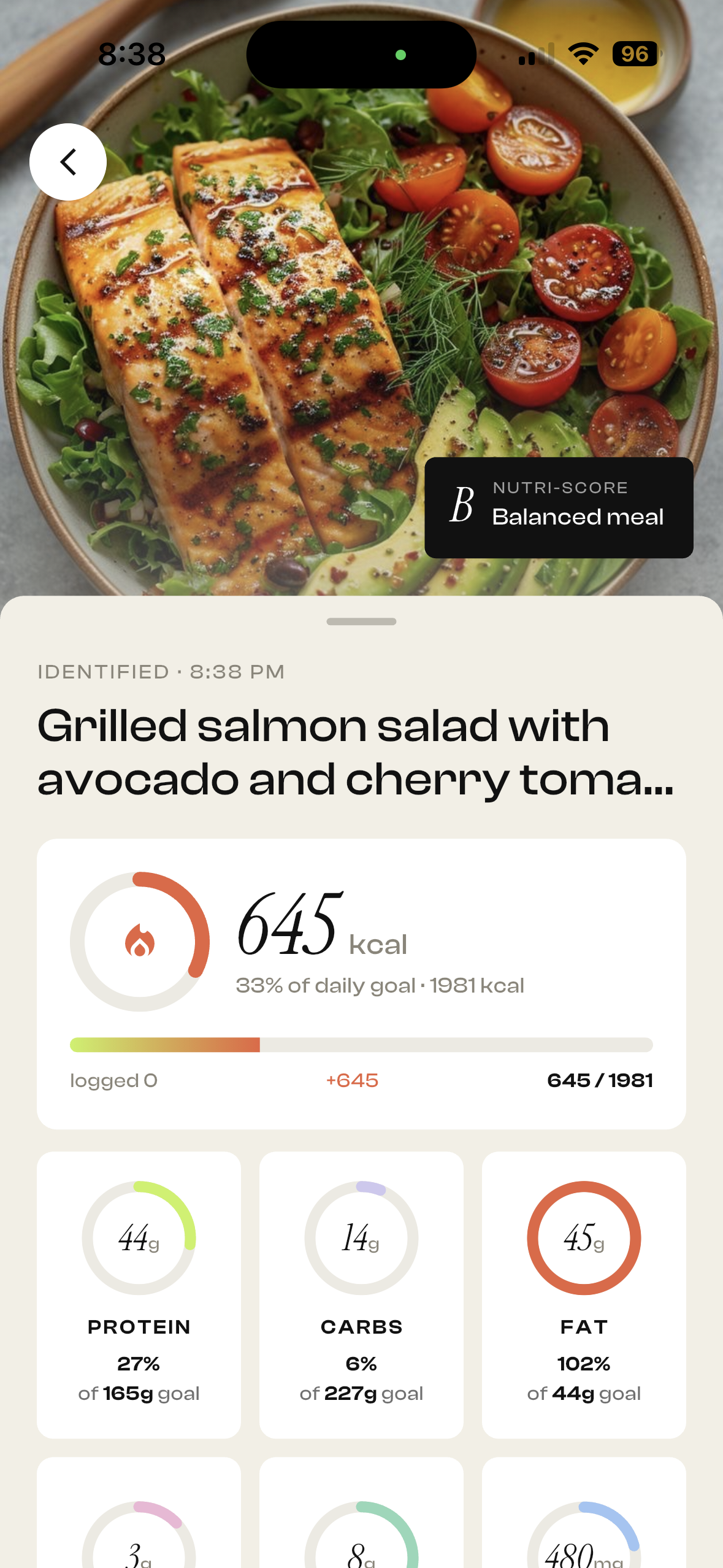
tracck does the same core job: photograph a meal, get calories and macros in a couple of seconds, or describe what you ate out loud and let the AI turn it into an entry. Three things are different.
1. Your habits and tasks sit beside your calories. In tracck, food is one module of a single Today view. The protein target, the 7am gym habit and the two things you have to finish today are on one screen, because they happened on one day. When a week goes sideways you can see it: the streak that broke on Tuesday is sitting right next to the four days you stopped logging meals. Two dedicated apps will never show you that, because neither one can see the other's data.
2. It's modular, so it isn't bloatware. The usual objection to all-in-one apps is that you get eleven features and wanted two. tracck starts with Home and lets you switch modules on and off from your profile. Cutting for the summer? Turn calories on. Done? Turn it off and it leaves your screen entirely, data intact, while your habit streaks carry on. The app is the size you choose.
3. There's a genuine free tier. tracck is free to download, and your first 3 AI actions — photo scans, voice logs and AI meal plans, in any combination — are included. Habit and task tracking are free to use. tracck Pro unlocks unlimited AI logging when you want it. Cal AI is subscription-based; check its current pricing in the App Store before you sign up, as plans and promotional rates change and can differ by region.
Feature comparison
| tracck | Cal AI | |
|---|---|---|
| AI photo food scanning | Yes | Yes |
| Voice meal logging | Yes | Varies by version |
| Calories + full macros | Yes | Yes |
| Habit tracker with streaks | Yes | No |
| Task and day planner | Yes | No |
| Streaks across your whole day | Yes | Calorie logging only |
| Modular — switch trackers off | Yes | No — single purpose |
| Free tier | Free download, first 3 AI actions included | Subscription-based |
| Platform | Android and iOS | iOS and Android |
One caveat worth stating plainly: Cal AI has a head start on the pure nutrition side, and it ships on Android. tracck is available on Android and iOS through Google Play and the App Store.
Which should you pick
Pick the single-purpose app if calories are genuinely the only thing you want to track, you're on Android, or you already have habit and task systems you love and don't want a second opinion from another app.
Pick tracck if your calorie app is the third tracker on your phone. The argument isn't that photo scanning is better here — it's that scanning a meal shouldn't require opening an app that knows nothing about the rest of your day, and that three subscriptions for three slices of one life is a strange way to live.
Most people don't quit tracking because their app lacked features. They quit because checking in became a chore spread across three apps.
That's the whole bet behind one app instead of three: fewer places to check means more days logged, and days logged is the only metric that predicts whether any of this works.
Build the tracker you actually need
tracck starts with Home and lets you snap on Habits, Calories and To-do — only what you want, nothing you don't.
Download tracck